
Preparing Students for Their First IT Certification Through Hands-On Training
Technology careers can start in many different places, but for students who are new to IT, the first step matters. Before they move into advanced networking, cybersecurity, computer repair, or programming topics, they need a strong understanding of how computers work, how systems connect, and how common problems are solved.
For instructors, that creates an important challenge. Students may be comfortable using technology, but that does not always mean they understand what is happening inside the computer, across the network, or behind the software they use every day.
Why Foundational IT Skills Come First
Many students enter technology programs with interest, curiosity, and basic computer experience. However, beginner students often need structured instruction that starts with the fundamentals.
They need to learn what different computer components do, how operating systems work, why security matters, and how to troubleshoot common issues. Most importantly, they need opportunities to apply those concepts in a real lab environment.
A strong first IT course should help students move from simply using a computer to understanding how a computer works.
Building Confidence Before the CompTIA Tech+ Certification
The Marcraft MC-1100 Tech+ Certification Course is designed for students with little to no computing experience. The program gives instructors a clear way to teach essential IT topics while helping prepare students for the CompTIA Tech+ Certification.
The course covers beginner-friendly concepts such as computer components, building a PC, operating systems, BIOS and UEFI, Windows basics, computer security, software applications, networking, network security, the internet, HTML, CSS, website design, and troubleshooting.
This foundation helps students understand the many directions an IT pathway can take, including computer repair, networking, cybersecurity, web design, database work, or help desk support.
Why Hands-On Training Matters
For beginner students, IT concepts become much easier to understand when they can physically interact with the equipment. Reading about RAM, CPUs, routers, hard drives, and expansion cards is helpful, but handling those components gives students a stronger connection to the material.
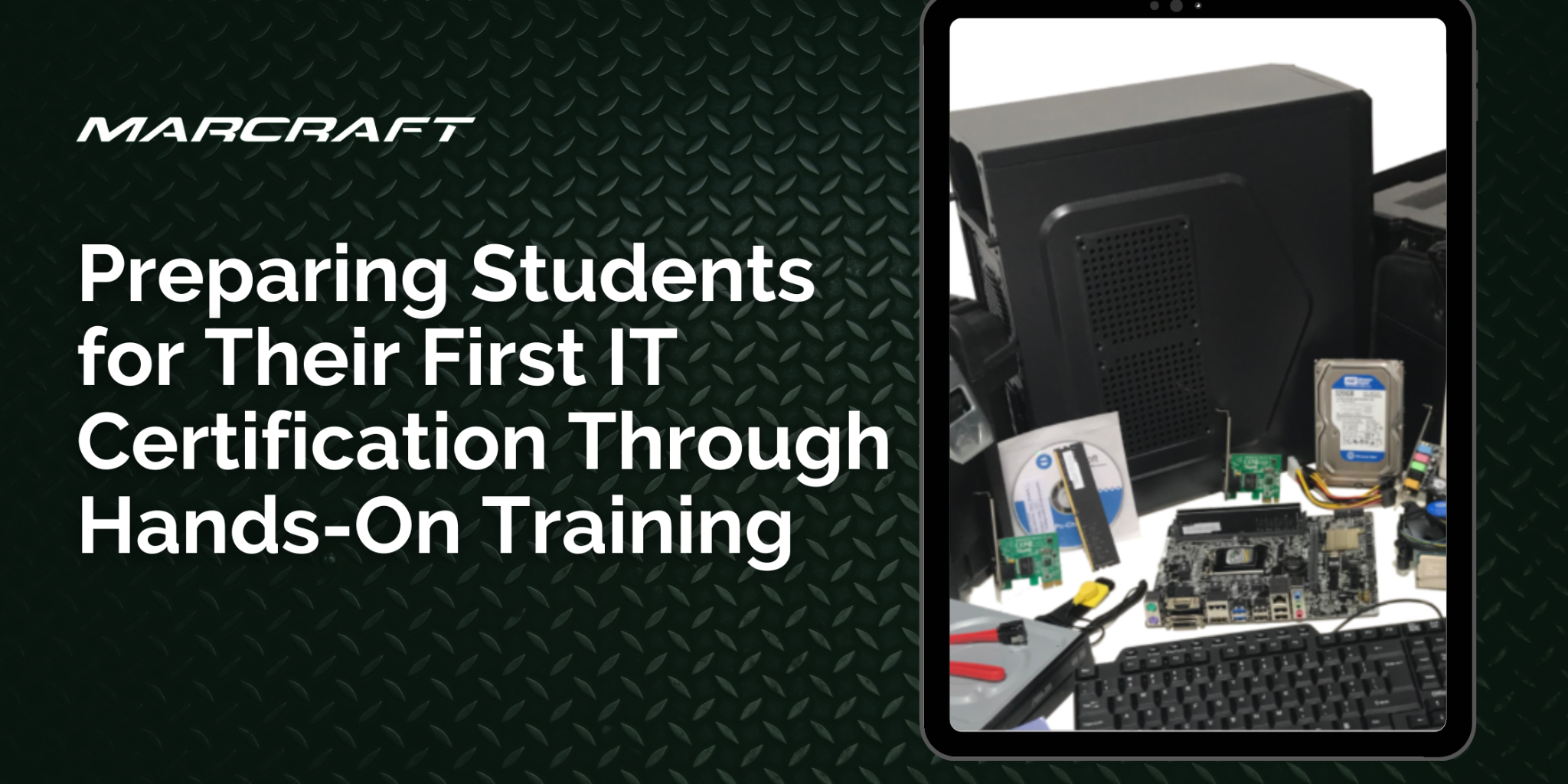
The MC-1100 Tech+ program is not just a simulation. Hands-on labs use real equipment such as motherboards, CPUs, RAM modules, hard drives, optical drives, video cards, sound cards, networking cards, keyboards, mice, wireless home routers, tablet computers, and faulty components for troubleshooting.
That experience helps students build practical confidence. They learn how components fit together, how systems operate, and how to think through problems when something does not work correctly.
Teaching Troubleshooting From the Start
Troubleshooting is one of the most valuable skills a student can develop in an IT program. It teaches patience, problem-solving, observation, and logical thinking.
With access to faulty RAM, cables, expansion cards, and other components, students can practice identifying issues in a controlled classroom environment. This gives them experience with the diagnostic thinking they may use later in real IT roles.
A Classroom-Ready Program for Instructors
The MC-1100 Tech+ Package is designed for 24 students working in pairs and requires 12 PC workstation computers. This format supports collaboration while still giving students direct involvement in the lab process.
The program also includes an Instructor’s Guide with PowerPoint presentation media, along with the 8-book Tech+ Text & Lab Guide set. These resources help instructors keep lessons organized across hardware, software, networking, security, and troubleshooting topics.
Helping Students Take the First Step
The first IT certification experience should not feel overwhelming. It should give students a clear, hands-on introduction to the skills they need before moving into more advanced areas of technology.
Marcraft’s MC-1100 Tech+ Certification Course helps instructors create that starting point. With certification-aligned curriculum, real lab equipment, and structured classroom resources, the program gives students the opportunity to build confidence, develop practical skills, and take their first step toward a future in IT.